
Mobile County Wanted Systems
The Mobile County Sheriff's Office warrant page is the county's official lookup tool. It is a working database. It is not a ranked gallery of featured fugitives. The embedded report sometimes fails to load, though, and that outage says nothing about whether a warrant exists. Treat any failed search as unfinished until MCSO or the issuing court confirms the answer.
There is no stable, separate sheriff's most-wanted page. The expected URL returns an error, with no published count, posting schedule, or photo policy behind it. Mobile Police does things differently. Its MPD Most Wanted page highlights selected city cases rather than the full county. The photo cards are few. The source material can be old, and no last-updated date appears anywhere. Some metadata even reads "ARRESTED." Confirm status directly before relying on any entry.
The difference matters in practice. A person can carry a Mobile County warrant yet never appear on MPD's city page. Someone else can linger on a stale wanted profile long after the case moves on. MCSO, MPD, municipal courts, and state courts each hold records for different parts of the county. Start with the agency named in the case. Then verify through the issuing court. Resist stitching several lists into one homemade master list, because that preserves stale entries and strips away the source dates.
Mobile County Wanted Listing Fields
The two sources answer different questions. A wanted profile helps the public identify a person tied to a featured case. A warrant check returns warrant status for one specific person. Fields you see in one place may simply be absent from the other.
| Field | What the verified source shows |
|---|---|
| Name | MPD cards showed a name tied to the selected profile. Identity still requires agency confirmation. |
| Image | MPD displayed a person image. The image stays on the official police page and is not reproduced here. |
| Narrative | MPD supplied a short account of alleged conduct. It is an charge, not a disposition. |
| Status or date | No dependable current-status field or page update stamp was observed. Older dates and “ARRESTED” metadata created uncertainty. |
| Reward | No reward promise was observed on the wanted page. Never infer that a tip qualifies for payment. |
When the MCSO database responds, it can return warrant details, but there is no guarantee it shows photographs, physical descriptions, or every case fact. The issuing court owns the court record. MCSO handles its own warrant data and enforcement duties.
Note: A cached profile can stay visible after a warrant is served, recalled, or changed, so the live agency record controls.
Use Mobile County Wanted Lists
A selective wanted page can help you recognize someone from a featured case. Beyond that, safe use stops at watching and reporting. Never use a listing as a reason to follow, confront, photograph, restrain, or investigate anyone. The source agency can weigh your tip against its current information.
- Open the official MPD wanted page and note the agency name, profile date, and wording attached to the entry.
- Check whether the profile carries a clear status update. Older text or an “ARRESTED” marker calls for confirmation, not guesswork.
- Do not copy the image or charges into a new post. Preserve the official page URL if a tip needs context.
- Send the information to MPD through its listed tip route, or to MCSO when the sheriff is the responsible agency.
- Call 911 only for an immediate threat. Never approach or attempt to detain the person.
Once an official arrest happens, the sheriff's current-custody report may list the person's name, date, charges, and bonds if Metro Jail holds them. The wider custody and booking path sits on the Mobile County booking-record hub. A missing roster row settles nothing. The person could be held elsewhere, released, or not yet processed.
Check Mobile County Warrants
Start a warrant check on the official MCSO route. Move to direct confirmation whenever the embedded report stalls. The Mobile County Sheriff App offers a second official doorway. MCSO promotes outstanding-warrant checking inside the app alongside jail, neighborhood, and tip features. Booking photographs are not part of the promise.
- Try the official MCSO Warrant Search wrapper. Record any error rather than treating it as a clear result.
- Try the sheriff app's warrant feature if it is available on the device.
- Call the MCSO Warrants line at 251-574-8657 for agency confirmation and ask which court issued the process.
- Confirm the case with the issuing municipal, District, or Circuit court. Court systems are separate, so one clerk may not hold another court's record.
- If the warrant may concern you, contact a lawyer or the issuing court to arrange a lawful response. Do not rely on an unofficial page or attempt to avoid service.
A warrant search tells you whether an enforceable court process appears in the responsible system. It says nothing about current custody. For that, MCSO Current Inmates answers county holding, while a court docket tracks later hearings, orders, and disposition. Watch out for similar names, too. Match a case number and lawful identifiers whenever the official source supplies them.
Note: If the sheriff's office site will not load a warrant page, that signals a technical problem on their end, not a sign that no active Mobile County warrant exists.
Mobile County Warrant Types
"Warrant" is a broad label. The document itself and the court that issued it control what it means and how it can be resolved. Since the public portal is unreliable, treat these distinctions as general guidance rather than a mirror of the current interface.
| Type | What it generally signals | Best verification point |
|---|---|---|
| Arrest warrant | A judge or magistrate authorized an arrest based on a stated legal basis. | Issuing court and MCSO Warrants |
| Bench warrant | A court issued process after a missed appearance or failure to comply with an order. | The court named in the case |
| Municipal warrant | A city court issued process in a municipal matter. | The relevant municipal court or police agency |
| State felony warrant | A state criminal matter may proceed through District or Circuit Court. | Mobile County court and the responsible agency |
| Federal warrant or profile | A federal agency or court controls the matter, outside the county database's scope. | U.S. Marshals or the issuing federal court |
A wanted profile may spotlight an arrest warrant. Or it may just summarize a case without showing live database status. The reverse happens too. An active warrant can sit entirely off the curated pages, far from any public wanted list. That gap is why the county database, the agency line, and the issuing court work best as one verification chain.
Mobile County Sheriff App Fallback
Why bother with an app in Mobile County? The sheriff's main site wraps its reports inside separate hosts, so a page can load fine while the embedded report behind it fails. MCSO's app sidesteps that problem. It bundles warrant checks, the Who's in Jail roster, My Neighborhood crime reports, and tip submissions in one place. You can grab it for iOS or Android.
One caution applies. The app is another door into agency information, not a court record of its own, and a result can lag behind a recall, a court action, or a data update. For anything that matters, verify status with the MCSO Warrants unit and the court that issued the warrant. Jail data in the app has its own meaning: it reflects who is in county custody, not whether everyone with an outstanding warrant has been picked up.
Note: MCSO lists warrant and jail features in the app but does not promise that either one shows inmate photographs.
Mobile County Fugitive Tips
Each agency takes its own tips. Sheriff matters go to MCSO. City wanted profiles belong to MPD. A federal fugitive falls to the U.S. Marshals Service. Whatever the route, a good tip states what you saw, where and when it happened, and which official profile prompted you to call. Skip the rumors, and never confront the person yourself.
Mobile County Sheriff's Office
Crime Tips
251-574-8633
Warrants: 251-574-8657
Mobile Police Department
Tip line: 251-208-7211
Anonymous text: 844-251-0644
The official MPD tip page lays out the agency's anonymous reporting options directly, so there is no need to reproduce a wanted person's photo here.
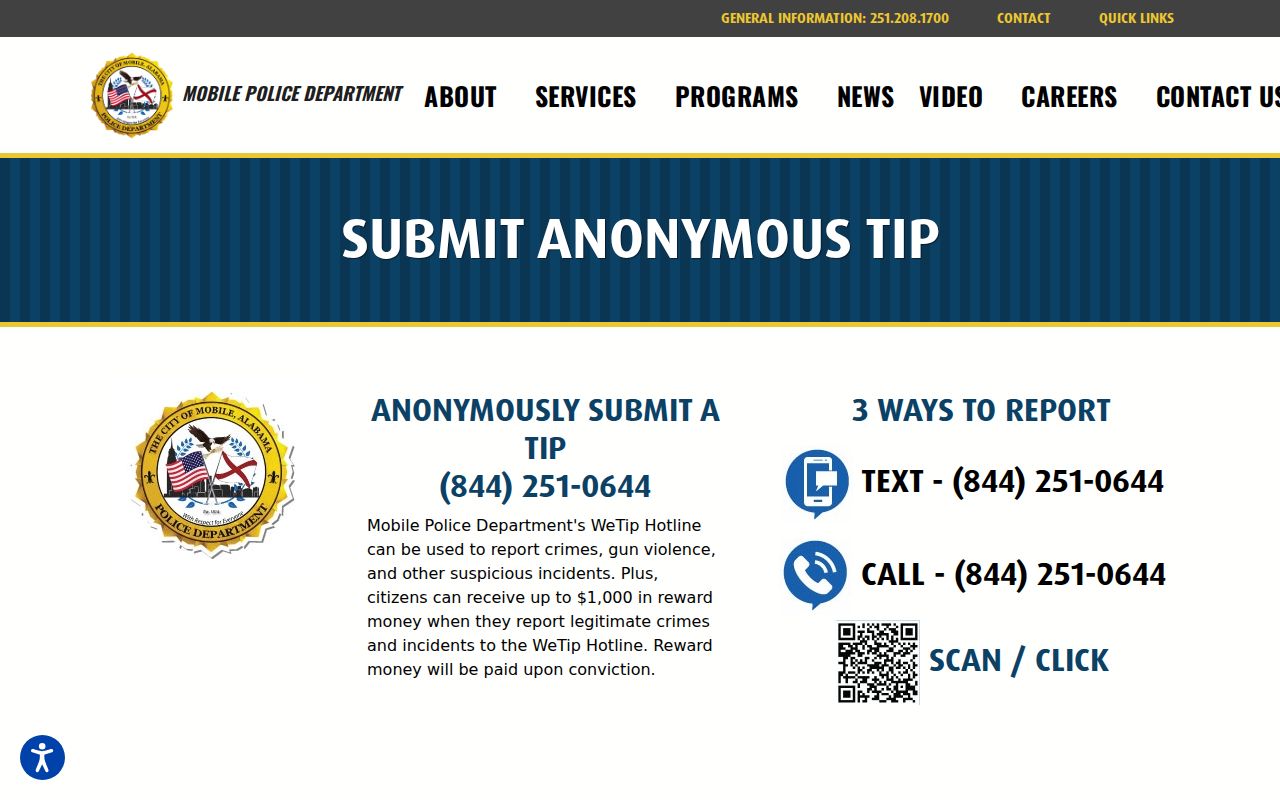
A capture of the MPD tip interface simply points a reader back to the agency that owns the case. Reward terms vary by program and by facts, so never assume or promise a payment.
Resolve Mobile County Warrants Safely
Think a Mobile County warrant has your name on it? Start with a lawyer and the court that issued it. The court can walk you through its calendar and filing process. An attorney can advise you on the actual case. MCSO will confirm warrant information it holds, but that does not replace the official court record, and no online wanted page can vouch for current legal status.
Knowing which court matters too. Mobile County's Circuit and District courts sit in Alabama's Thirteenth Judicial Circuit. Municipal cases may stay with Mobile, Prichard, Saraland, or another city court, while federal matters belong to a federal court or agency. Ask which office issued the warrant before you request a file, then match the case number, name, and filing context instead of trusting a name-only match.
After the warrant is addressed, follow the court docket for the disposition, which is the recorded outcome. Charges can change, drop, or resolve after the initial warrant or arrest. A wanted narrative freezes one moment in time. The court file is where the legal story keeps going.